Google Play test
Help us launch BrawlZone Bubble on Google Play
Google lets a new app on the Play Store only after 12 people have tested it for 14 days. Three taps, and you are one of them.
- Free
- No ads
- Updates through Google Play
- Keeps your tag and settings
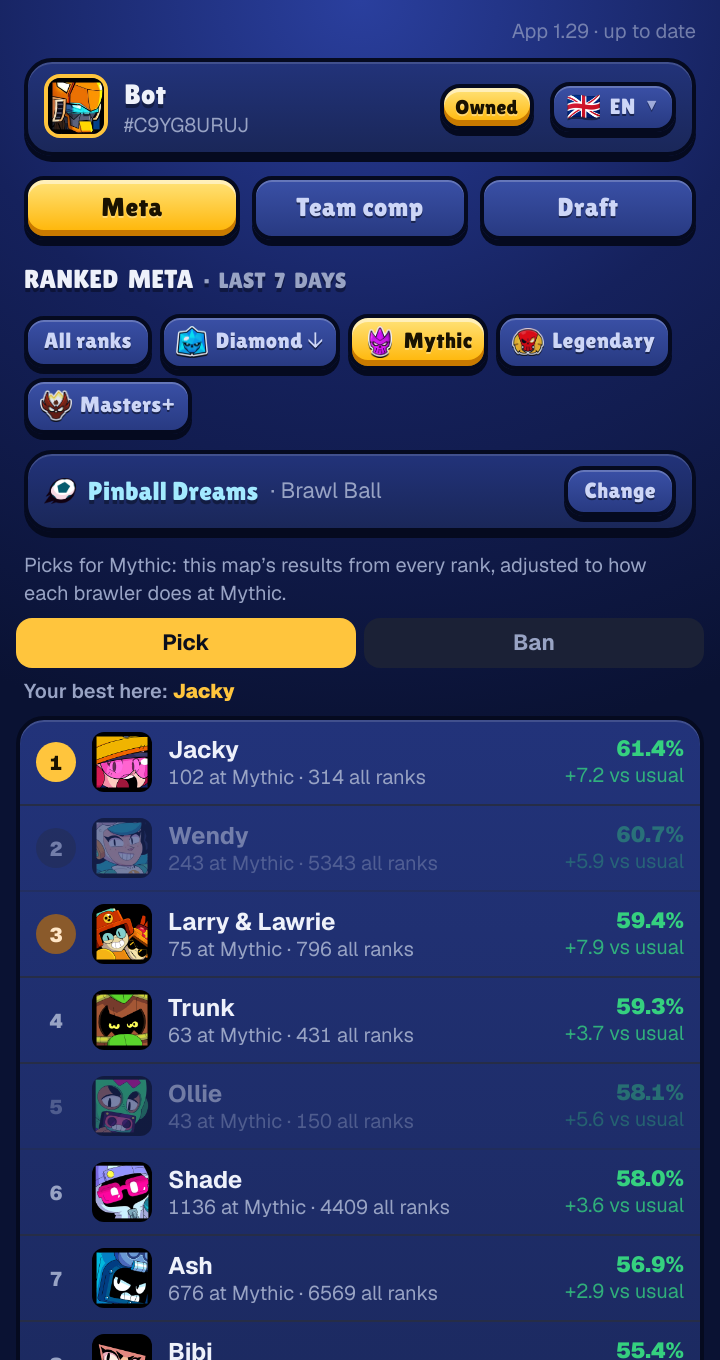
 Now on Google Play
12 testers
14 days
Then Google reviews the app for everyone. Every tester who stays the two weeks brings that day closer.
Three taps
- 1Join the group
Google Groups
Join the testers group
Open the group and tap "Join group". Use the same Google account as the Play Store on your phone.
- 2Become a tester
Google Play
Become a tester
On the next page, tap "Become a tester". It can take a few minutes after joining the group before this works.
- 3Open Google Play
Google Play
Install from Google Play
Install BrawlZone Bubble from its Play Store page. Already have the version from this site? Play installs over it and keeps your tag and settings. If Play says the app is not found, give it a little while and try again: Google can take some time to let a new tester in.
What you are testing
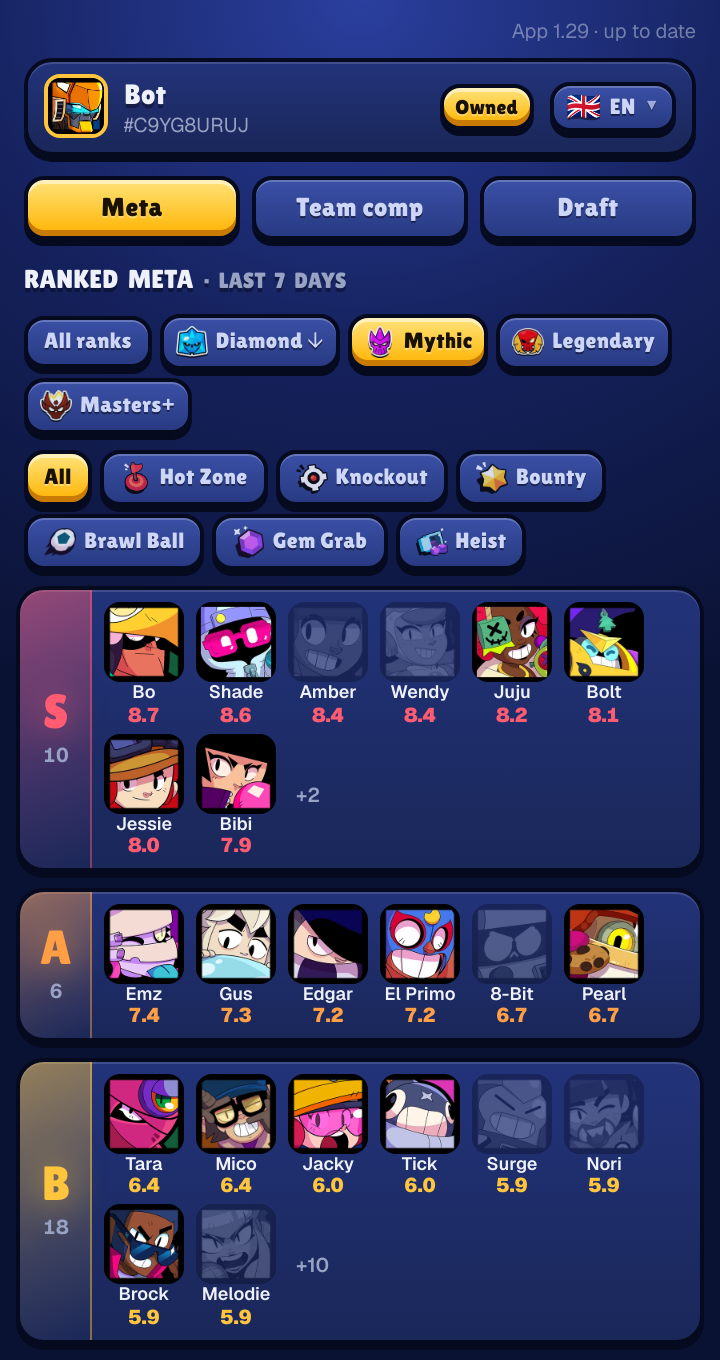
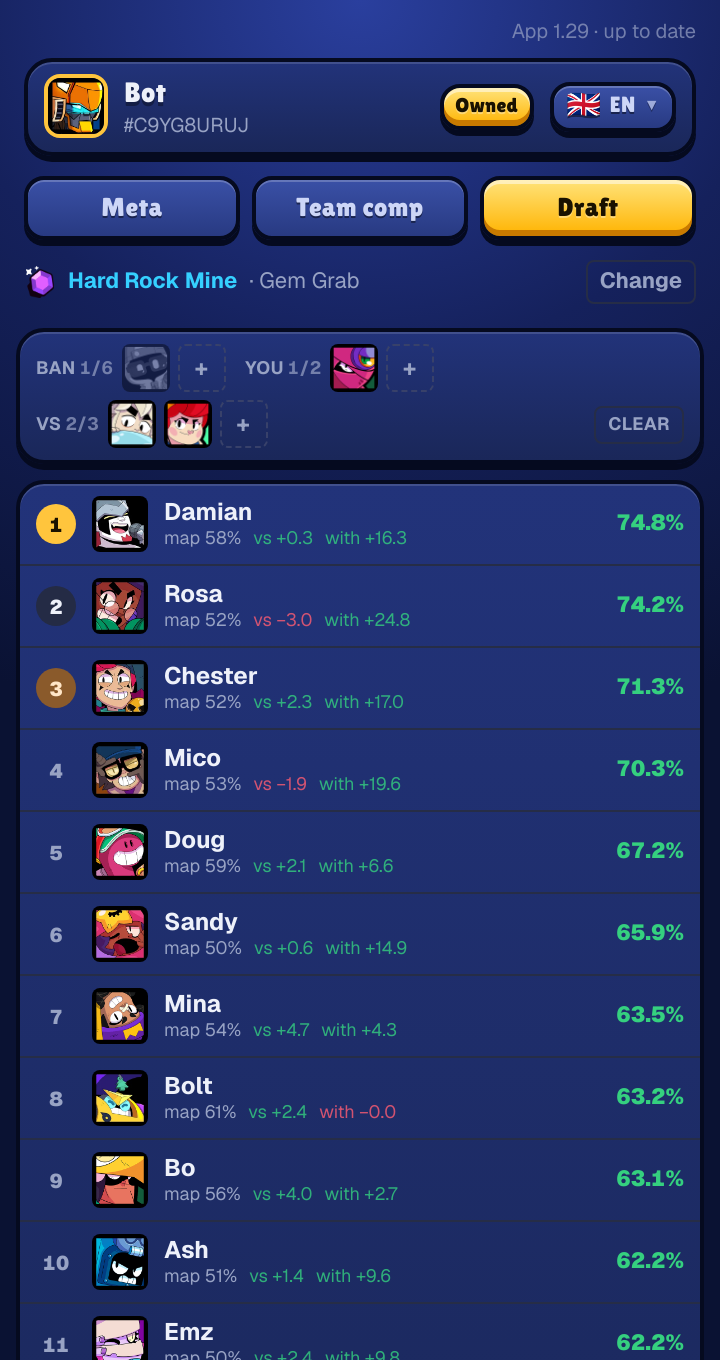
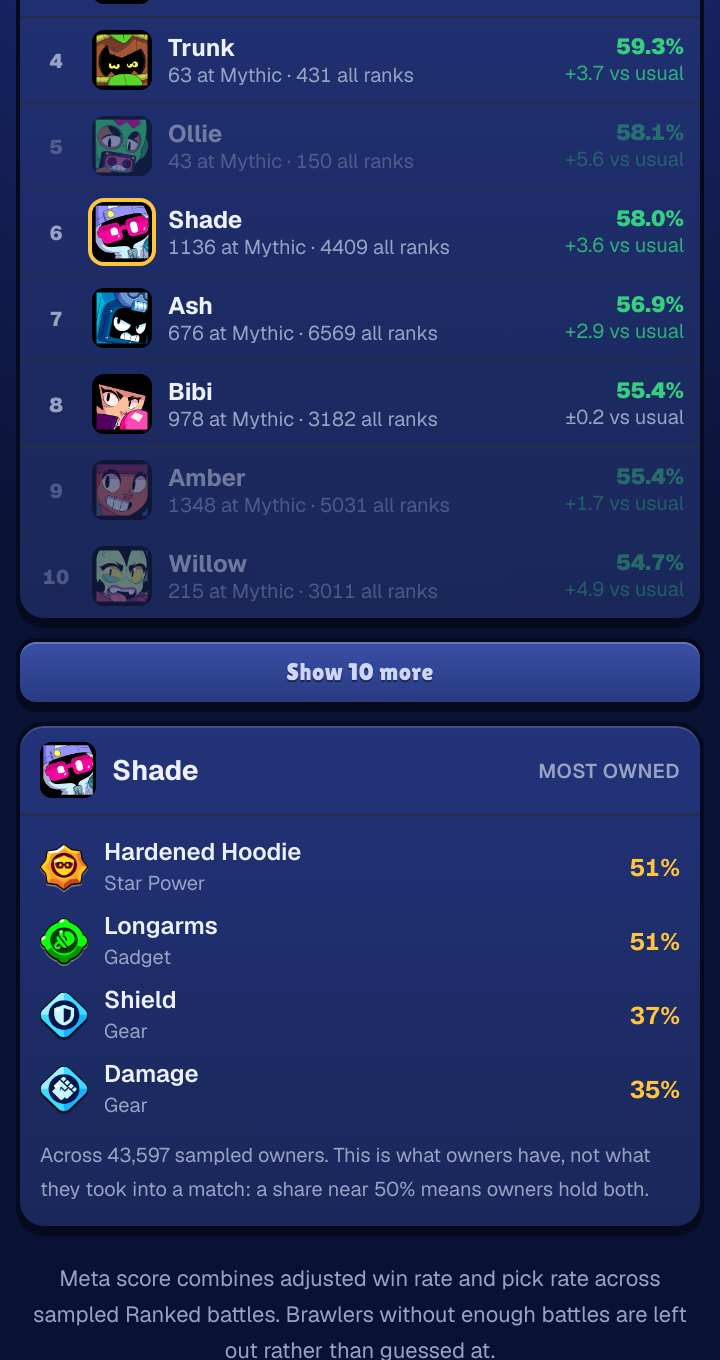
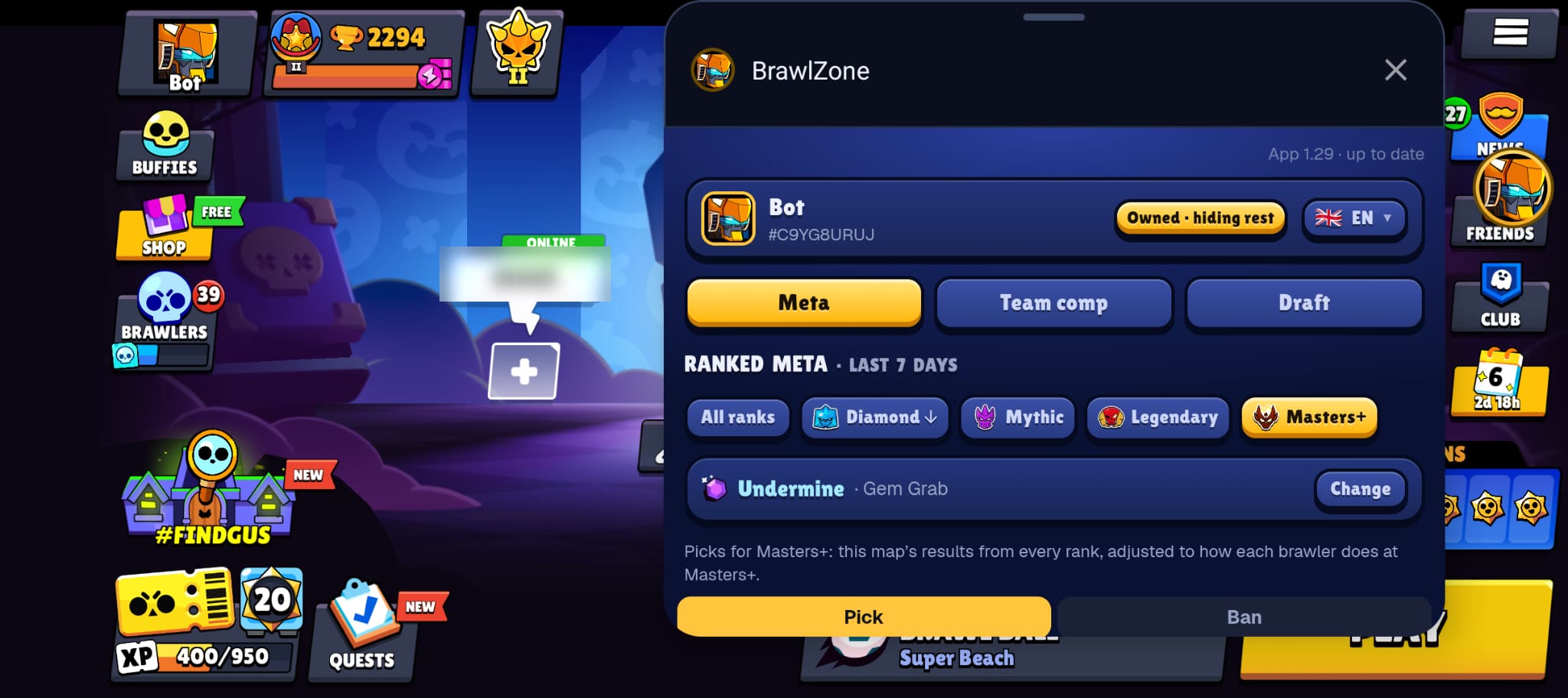
A draft helper that floats over Brawl Stars. Tap it mid-draft, tap again and it folds away.
What it asks of you
Keep the app installed for 14 days. Using it in your matches helps, and so does telling us what breaks. That is all: no sign-up beyond the group, no payment, nothing to fill in.
It is the same app as the download on this site, with the same features and languages. When it goes public, you simply keep it, and it updates through Google Play.
About the group
The group is only a list of testers: nobody sends messages there, and joining shows nothing to other members. You can leave the test at any time from the same pages.
Found a bug or have an idea? Email [email protected]. Every message is read.
More about the Bubble